How Educational Institutions Leverage Free Arcade-Style Web Games to Teach Basic Programming Concepts to Students
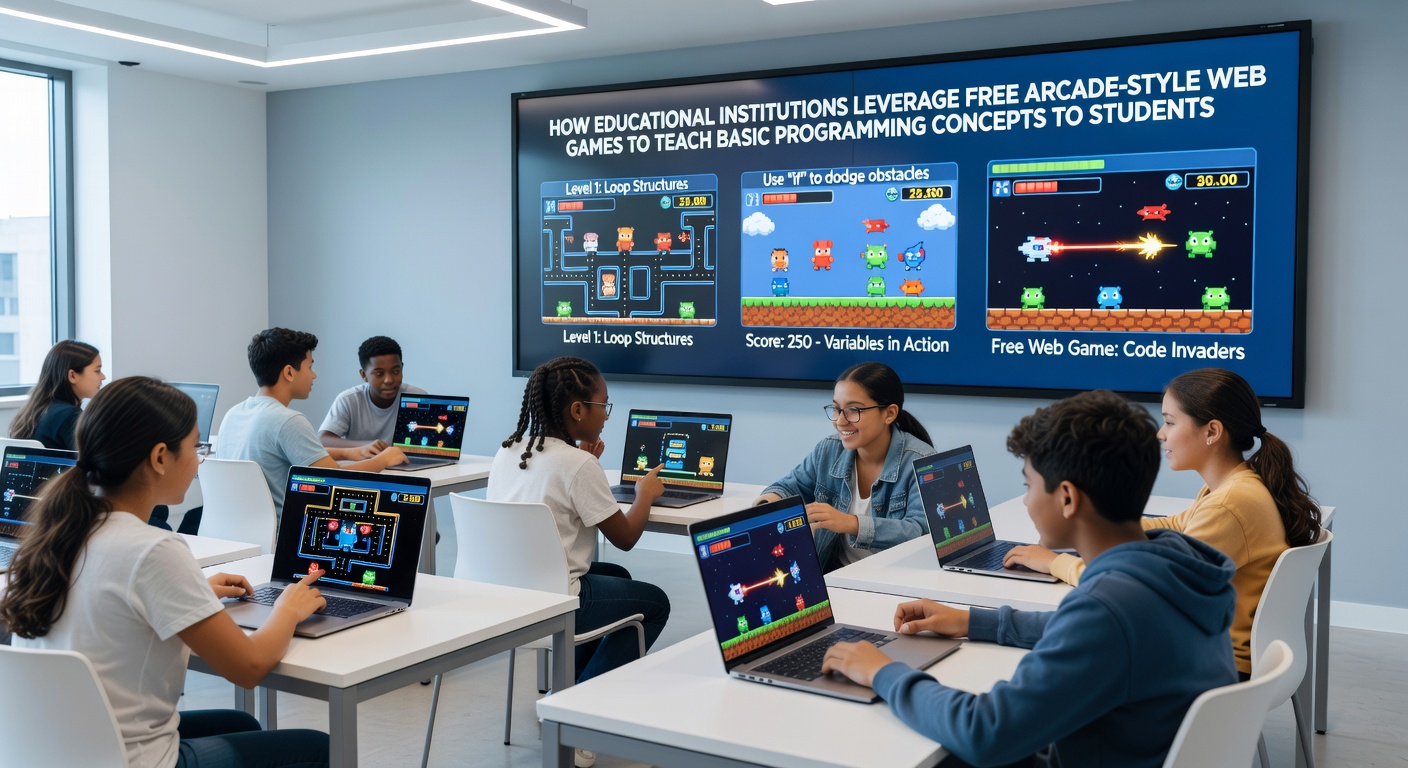 Educational institutions have integrated free arcade-style web games into introductory programming curricula because these platforms allow students to interact directly with code that controls movement, scoring systems, and object behaviors. Teachers modify simple HTML5 and JavaScript examples so learners can adjust variables that represent player speed or enemy spawn rates, then observe the results in real time without installing additional software. Many programs begin with games that feature basic sprite movement across a canvas element. Students edit coordinate values to change how characters respond to keyboard input, which introduces core ideas around data types and conditional statements. Instructors often pair these exercises with visual feedback loops that show immediate changes when code runs, helping learners connect abstract syntax to on-screen outcomes.
Core Concepts Addressed Through Game Mechanics
Arcade formats lend themselves to teaching loops because repeated enemy waves or collectible items naturally demonstrate iteration. A single for-loop can control how many obstacles appear on each level, and students adjust the loop condition to increase difficulty. Similarly, functions become clear when learners create reusable blocks that handle collision detection or score updates, then call those functions from the main game loop.
Variables receive concrete meaning when tied to health points or timer counts. Research from the University of Toronto indicates that students retain these mappings more effectively when the variable name directly influences a visible game element such as a progress bar. Arrays appear when multiple projectiles or power-ups must be tracked, and students practice pushing new objects into the array or iterating through existing ones to update positions each frame.
Global Adoption Patterns
Schools across North America, Europe, and the Asia-Pacific region have adopted browser-based tools because they require only a standard web connection. In May 2026, curriculum updates in several Australian states began requiring introductory coding modules that incorporate free web arcade templates, allowing rural districts to participate without hardware upgrades. European Union digital skills initiatives have similarly referenced browser game projects in teacher training modules, noting that the zero-install nature reduces technical support burdens.
One study released by the OECD tracked classrooms using modified versions of classic space-shooter mechanics. Students who edited the projectile speed variable showed faster mastery of floating-point numbers compared with peers using text-only exercises. The same report highlighted that teachers could scaffold lessons by starting with pre-written functions and gradually removing scaffolding as learners gained confidence.
Assessment and Progression Tracking
Educators monitor progress through version history features built into many web editors. Each time a student alters a line that governs gravity or jump height, the system logs the change. Teachers review these logs to identify misconceptions, such as confusing assignment operators with equality checks, before students move to more complex projects. Some districts combine these logs with automated unit tests that verify whether a student’s code produces expected enemy behavior.
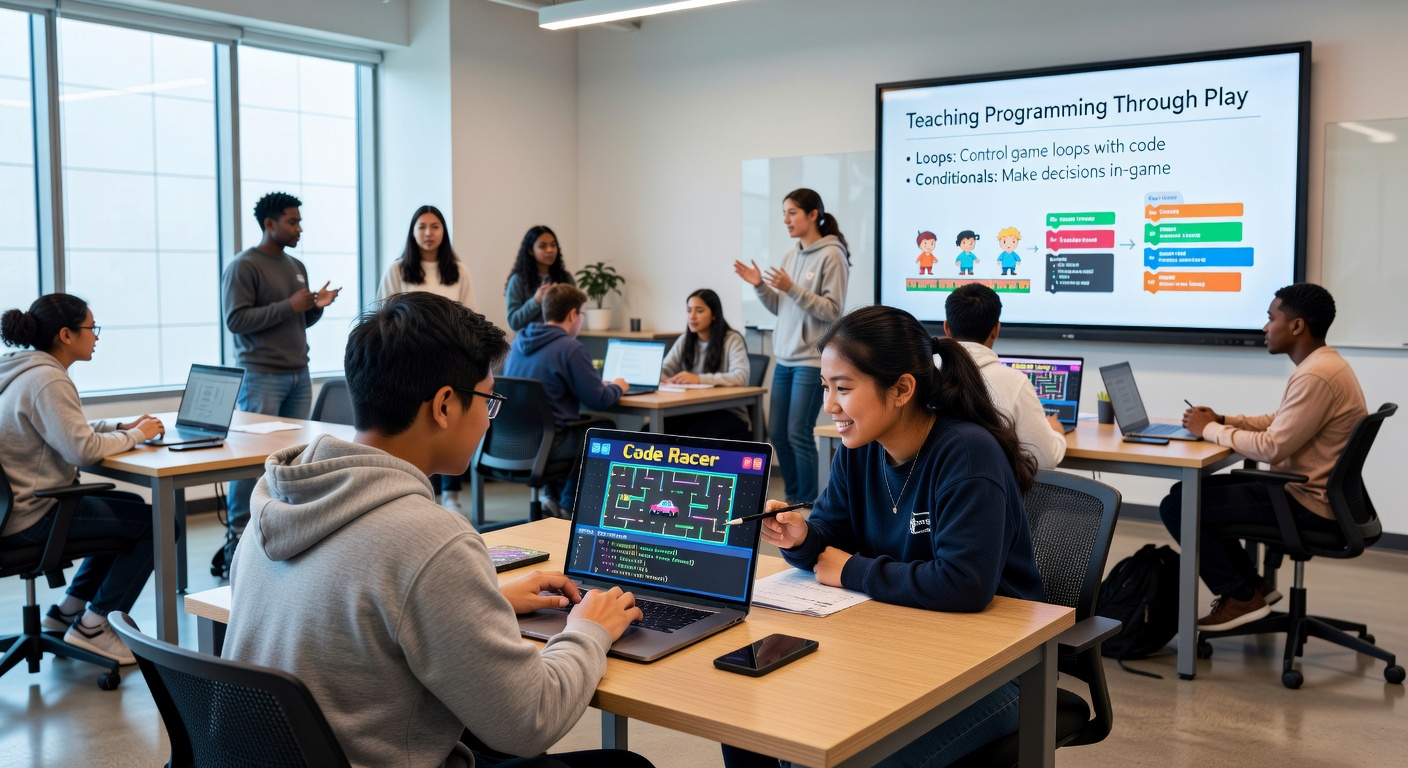
Progression often follows a sequence that mirrors traditional programming courses yet stays embedded in game contexts. Learners first modify existing values, then write simple functions, and finally implement event listeners that respond to user input. This sequence keeps engagement high while covering the same foundational topics found in standard computer science textbooks.
Technical Infrastructure and Accessibility
Because the games run in any modern browser, institutions avoid licensing fees associated with proprietary game engines. Content filters at the network level can whitelist specific educational domains while still permitting the open-source libraries commonly used for canvas rendering. Accessibility features such as keyboard-only controls and color-blind palettes have been added to many shared templates, allowing broader participation.
Data from the U.S. Department of Education’s 2025 EdTech report shows that districts serving high percentages of students with limited device access experienced measurable gains in coding enrollment after switching to browser-based arcade projects. The same infrastructure supports remote learning days, since students can continue editing code from home without specialized hardware.
Conclusion
Free arcade-style web games continue to serve as entry points for programming education by linking code changes directly to visible gameplay results. Institutions that adopt these tools report consistent coverage of variables, loops, functions, and arrays within engaging contexts that require minimal setup. As browser capabilities expand, the range of programmable mechanics available to students grows accordingly, supporting steady integration across diverse educational settings.